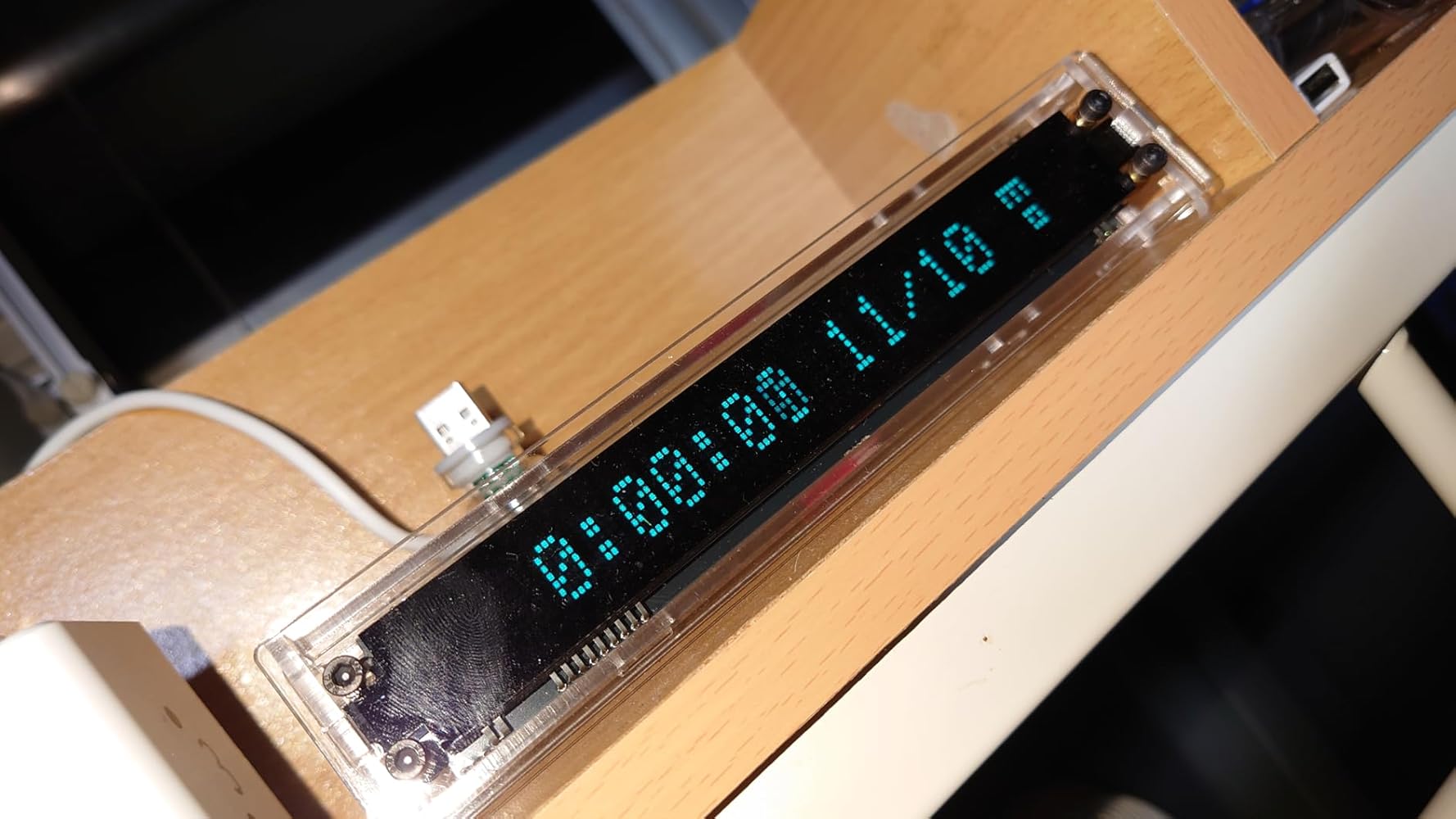
This is one of the coolest retro clocks I have seen in a long time. It has SO much functionality and is so easy to use. They also have extensive info about the clock on Github. I have my clock sitting on my laptop at work! So Cool!!!
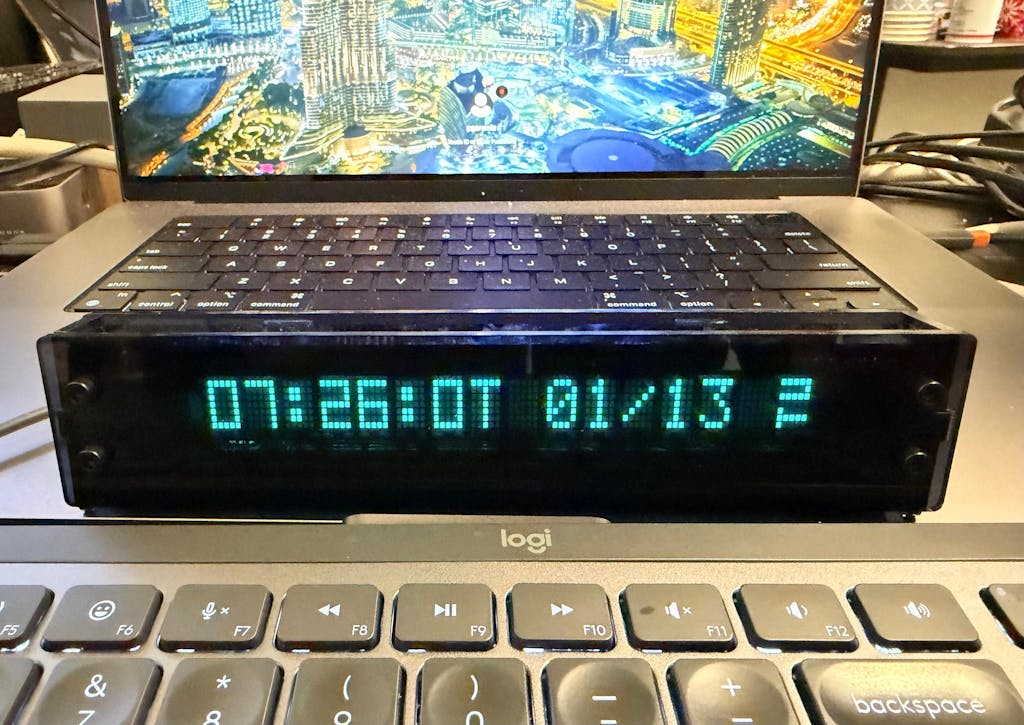
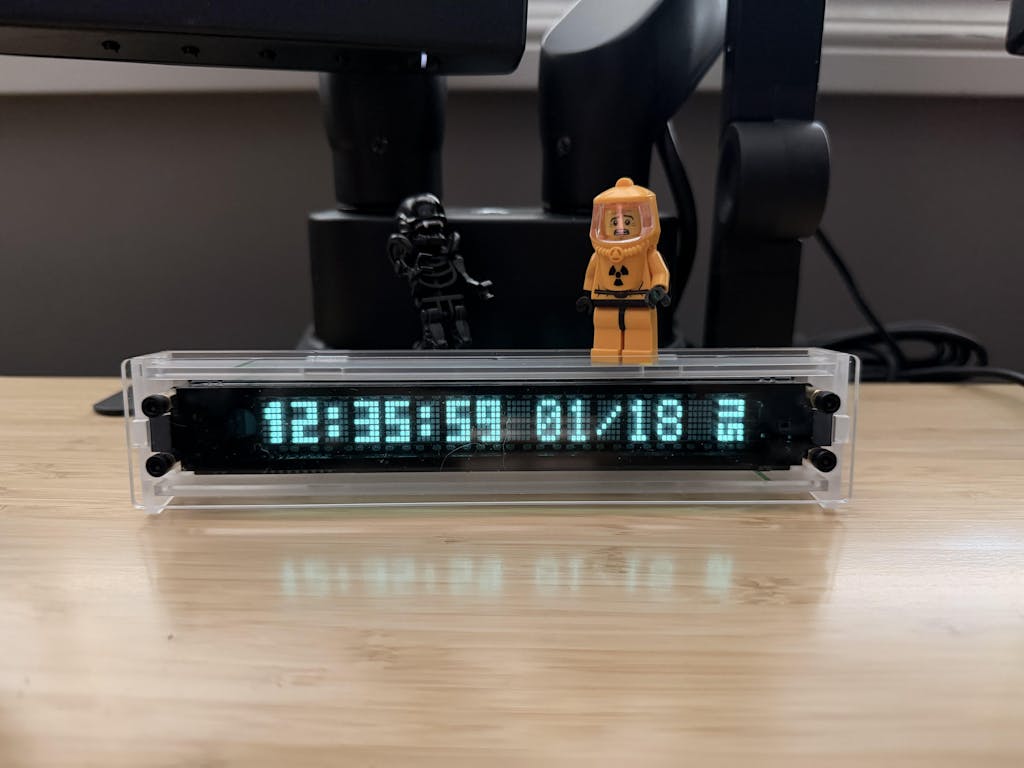
I bought this vfd clock a while ago because i wanted a clock to sit under my monitor that had the VFD beauty. It perfectly fit the bill, the features, including usbc and the battery backup, are amazing. However, i couldn't figure out how to turn the alarm off, so i emailed support and got a fast and very helpful reply containing a full guide of the controls. I discovered more features i didn't know it had.
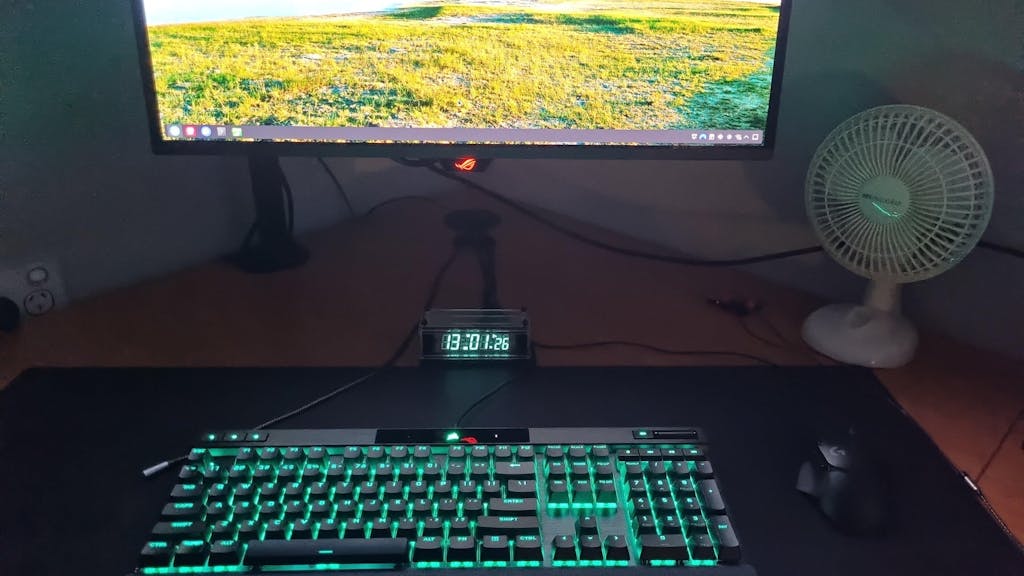
This is a gorgeous clock that fans of VFD devices can appreciate. Pictures just don't do justice to the quality of the glow, which to the eyes has more of that genuine cyan greenish tint rather than the blue that shows up in the pictures. The display can be exceptionally bright at the highest of the 4 brightness levels, but it also has an auto brightness feature that dims the display in darker environments.
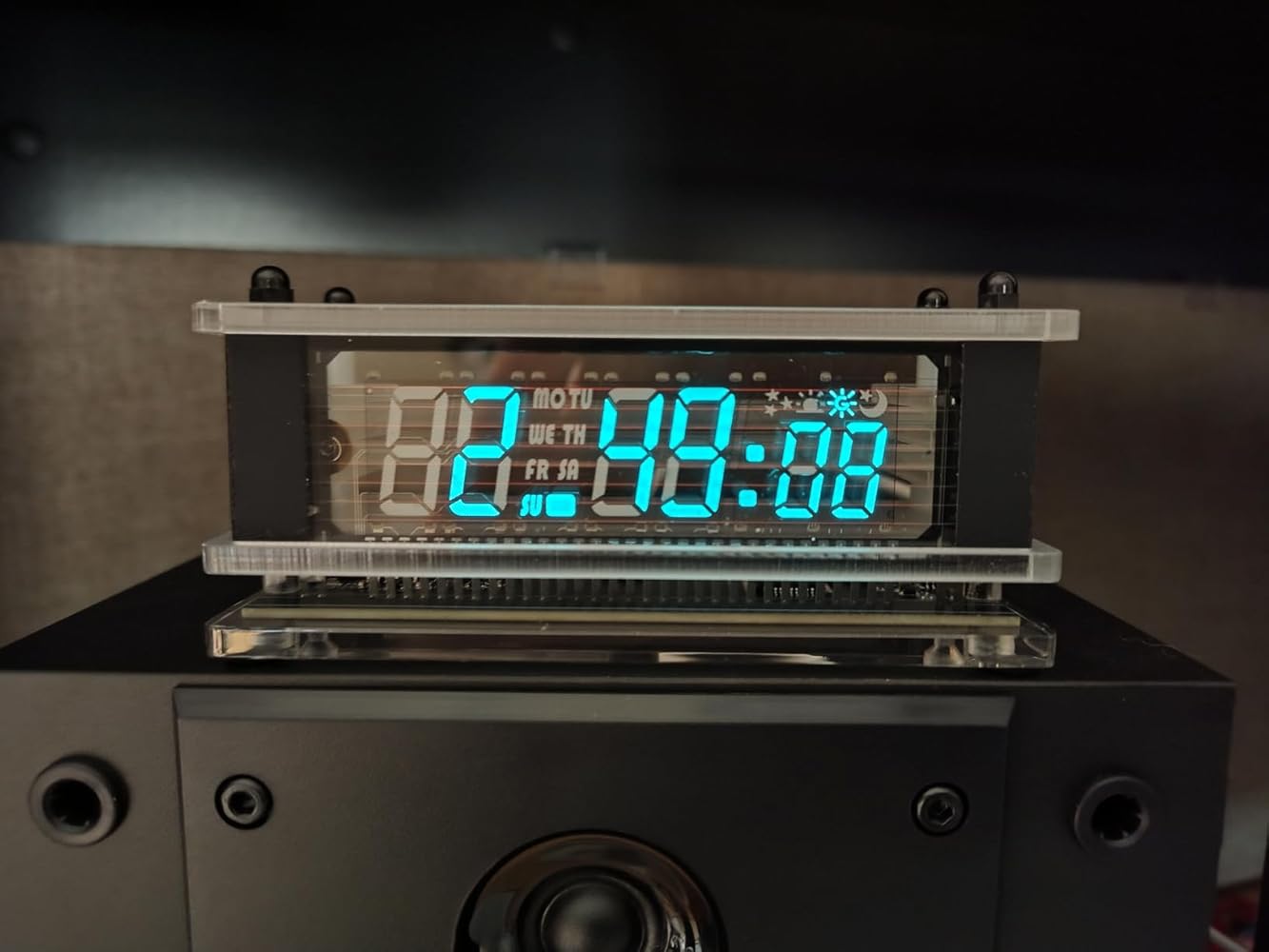

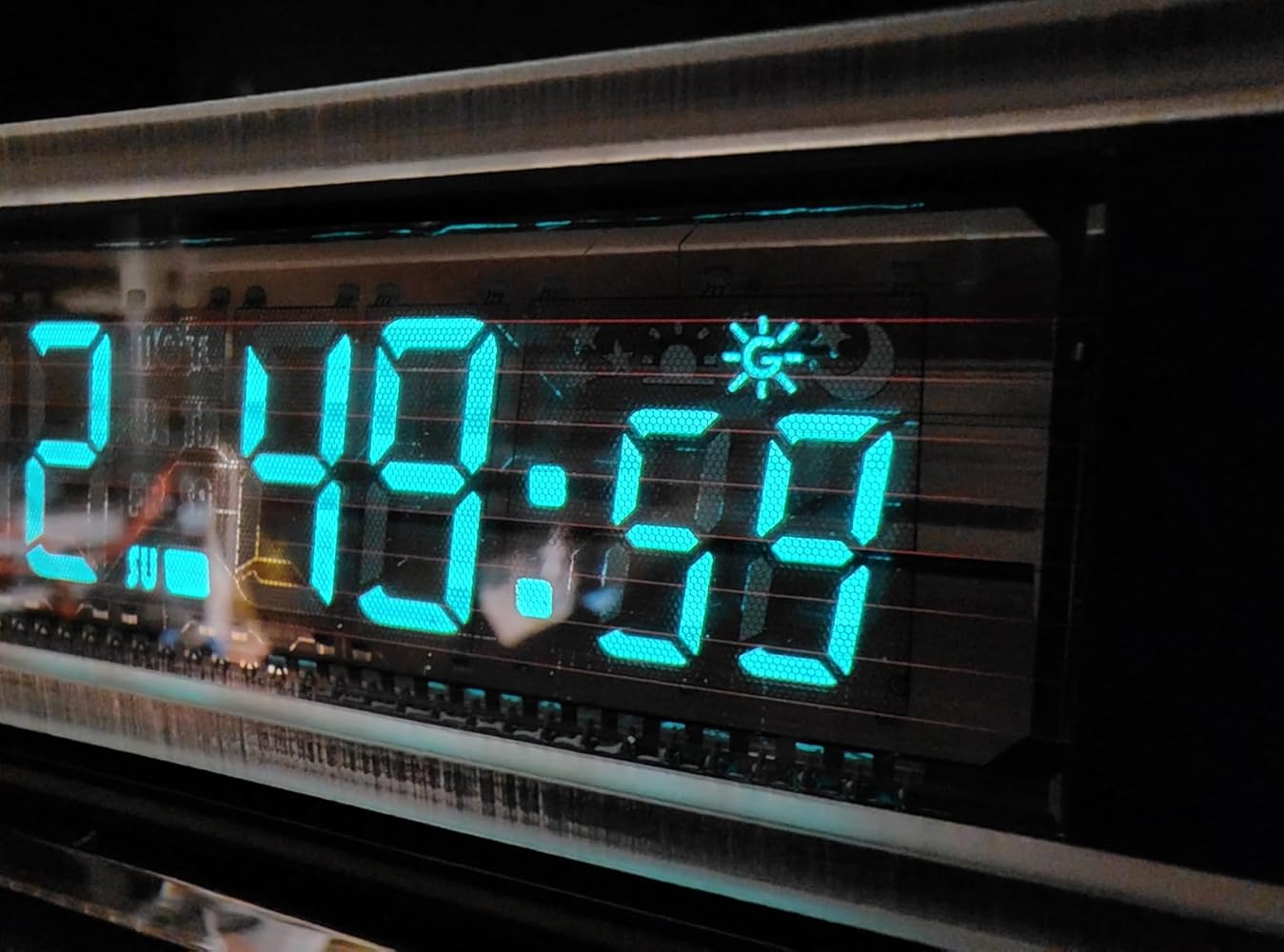
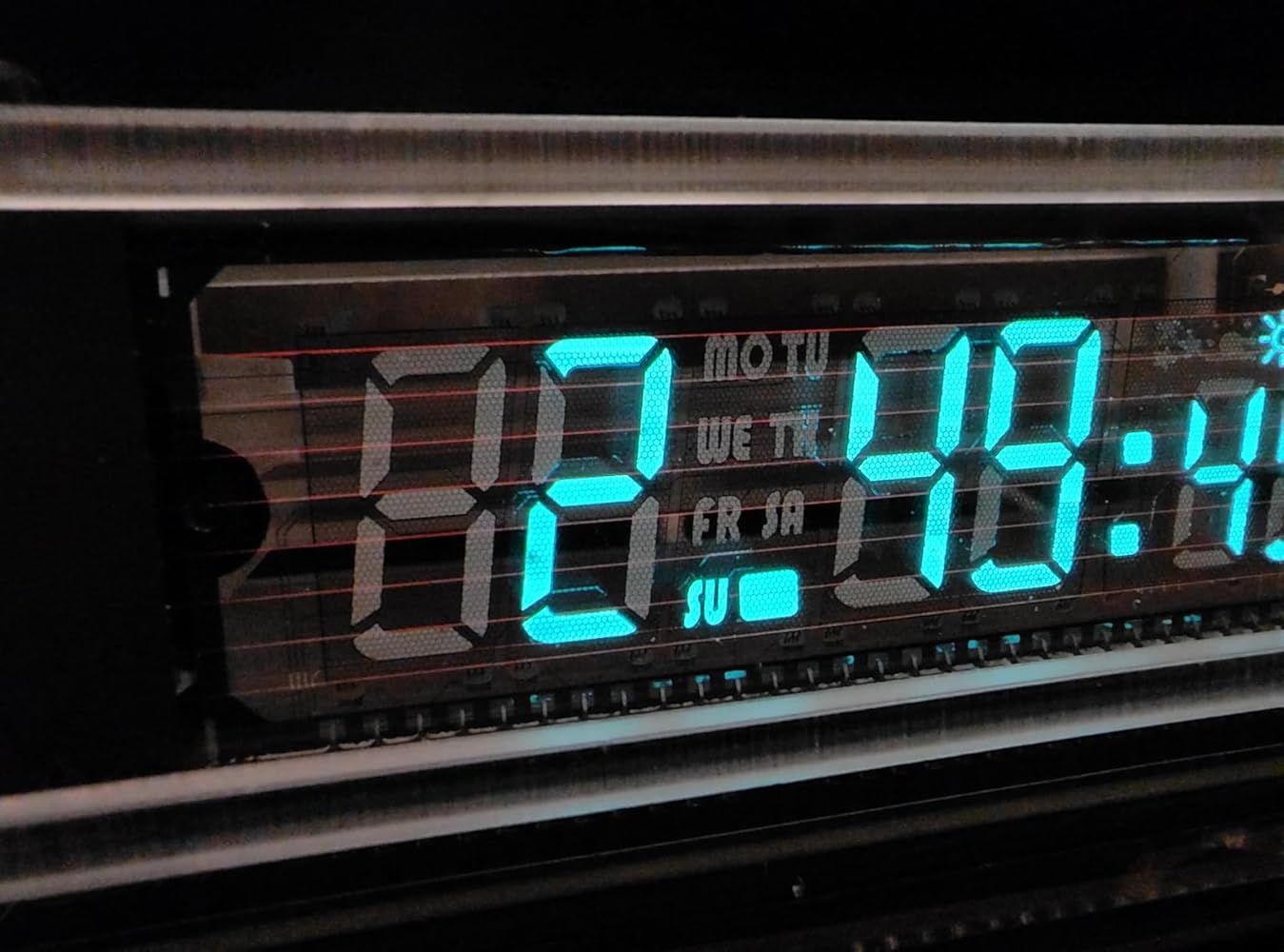
Excellent product and support. It now sits on my desk with its pleasing and glowing display. I'm a fan!
Works great, easy setup
I have had this clock for 9 months now and I love it. It is my second clock from LGL Studio.
I do advise keeping it some distance from a Zigbee transmitter, that seems to affect its time keeping.
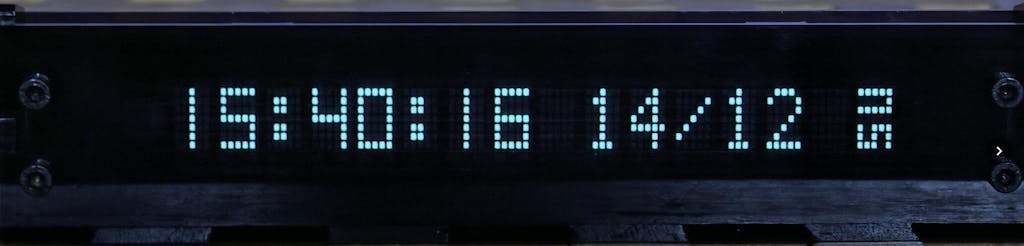
I love this clock. I remember when VFD displays were the only kind of digital displays. With a beautiful cyan glow this clock reminds me of digital displays that used to mesmerize me when I was young. This clock now sits at the base of my monitor and I love it. Customer service is great too, I contacted them with a question and they answered me within two hours. I am very happy with this purchase and will buy from LGLSTUDIO again.
VFDを使って、なおかつNTP対応の時計を探していました。他の物はギラギラしたLEDだったり、特殊な表示と思うような物がありませんでした。唯一、枕元に置いても良いなと思った商品です。夜間や昼間でも、圧倒的な視認性、本体のデザインが素晴らしく大変気に入りました。もう一回り大きいサイズが欲しいです。開発お待ちしています。